Home / Solutions / Hotels & hospitality
Smart Locks Technologies / Full-service installation
Hotel door locks.
Handled.
We replace the locks across your entire property — guest rooms, entrances, amenities and back-of-house. One partner for consultation, hardware, installation and support.
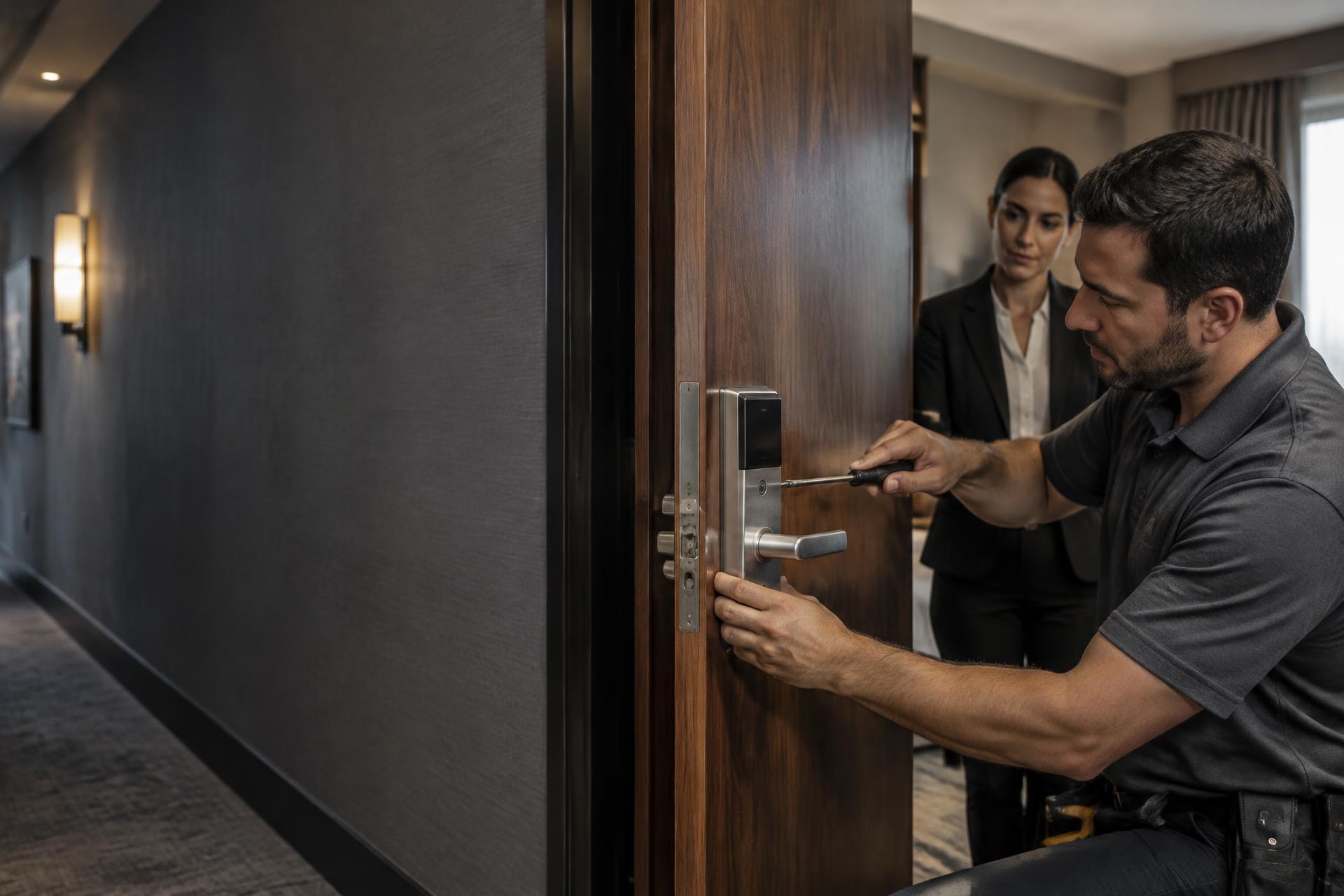
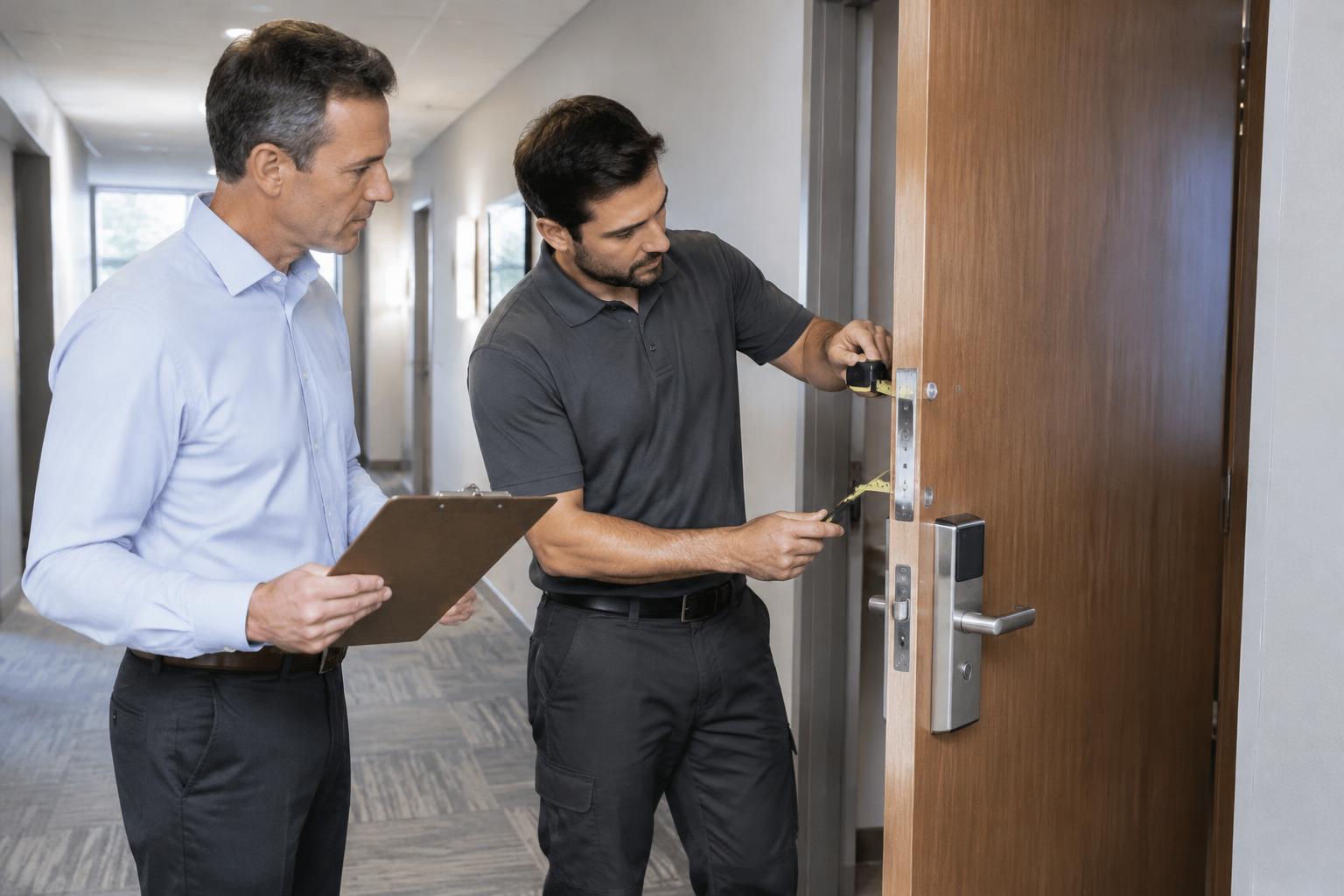
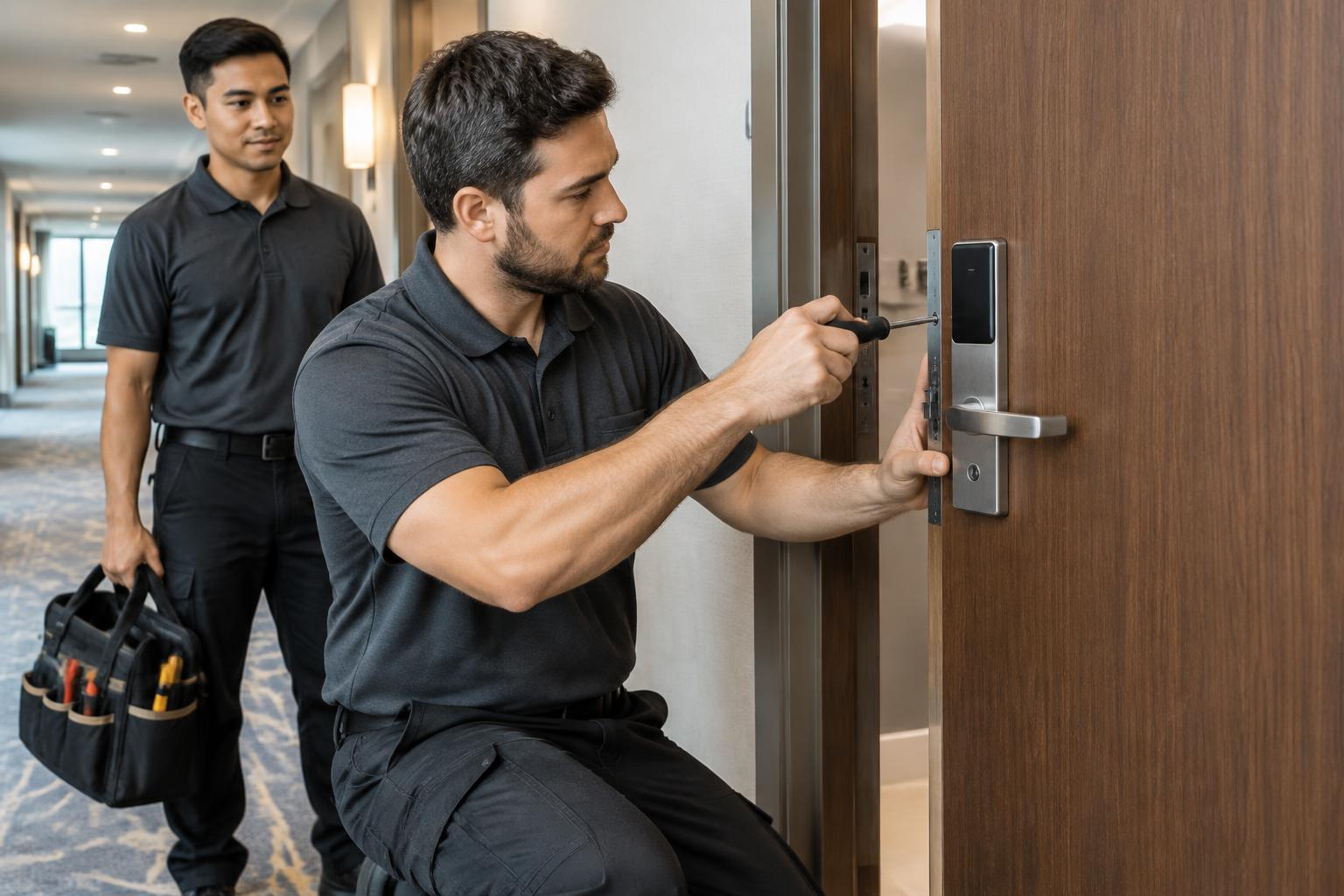
Illustrative installation scene
- 01 / Assess & recommend
- 02 / Supply & install
- 03 / Configure & train
- 04 / Support your team
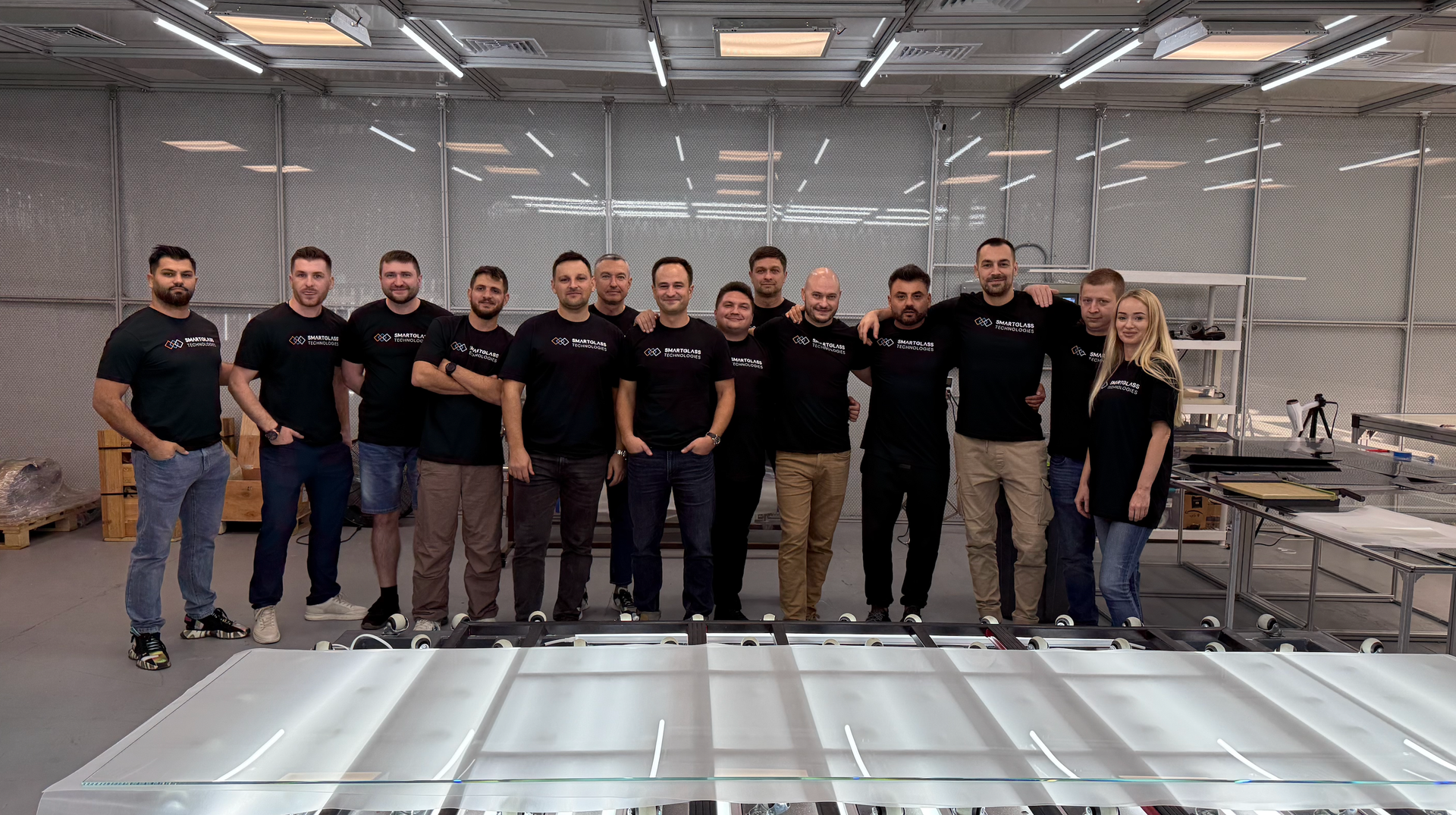
Who you’ll work with · Since 2018
Professionals in 28 cities.
Ready to jump in.
Since 2018, our team has delivered large-scale commercial projects across the US. Project managers, specialists and certified installers are ready to step into your job site, office or project trailer.
“Our clients hand us the project and we take full responsibility — from the first door schedule to the last lock installed.”
2018
Delivering since
28
Cities
1
Accountable team
Step one: choose the system
The right lock system
for your property.
Keycards, mobile keys, or both. We recommend the option that fits your building, your staff and your budget — then we verify it before anything is ordered.
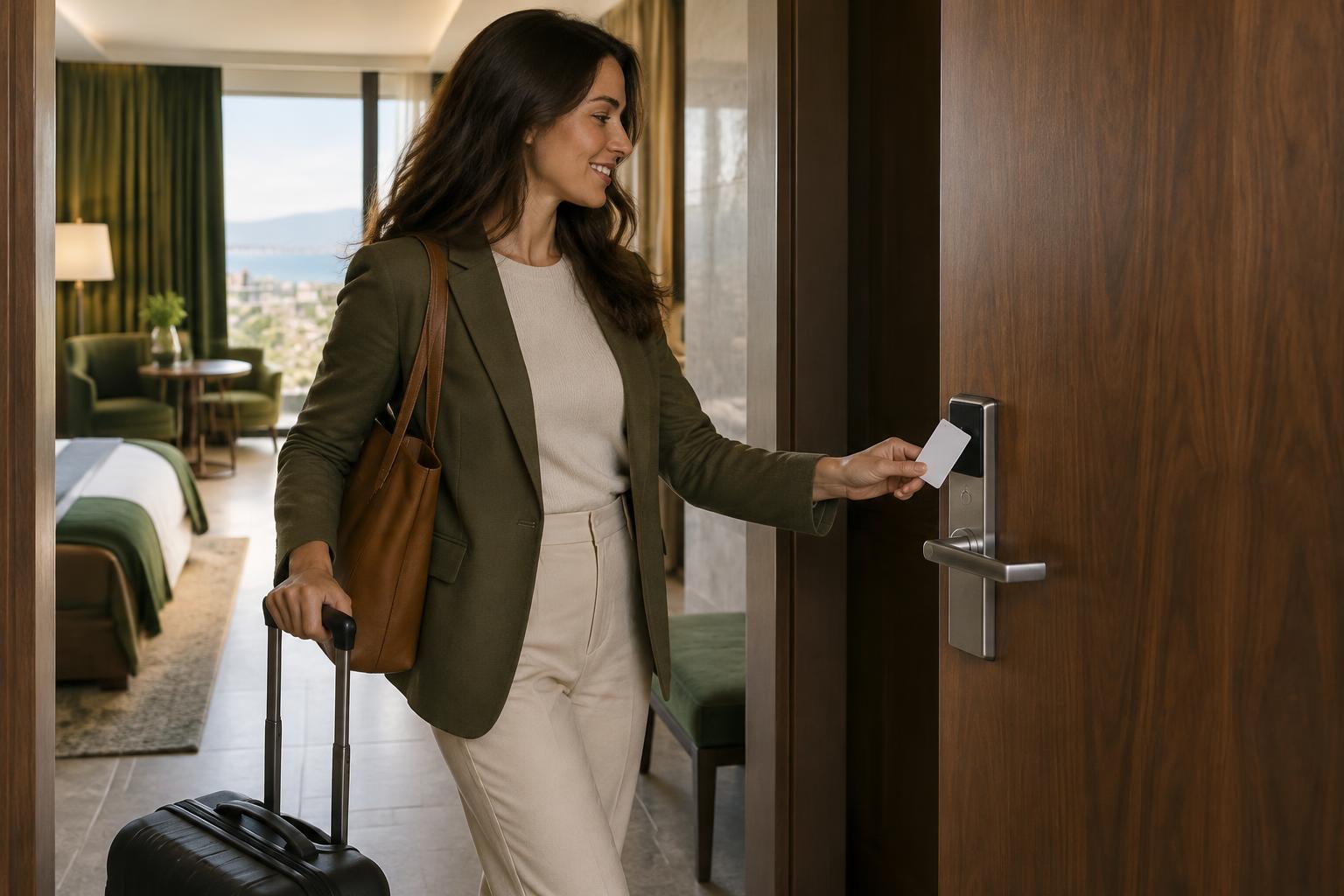
Keycard access
Guests use a compatible card to enter assigned areas.
Verified before specification.
Lock, credential, encoder and software compatibility.
Mobile and wallet credentials depend on the selected hardware, platform, guest devices and licensing. Existing cards are not assumed to be reusable.
A complete system, not just a lock
Everything your hotel needs to manage access.
These are the components we assess and specify. Not every project includes every component.
Guest-room access
Electronic locks and compatible guest credentials, selected for your doors and operating requirements.
Front-desk operations
Access-management software, card encoders, permissions and supported hotel-software connections.
Shared and staff areas
Compatible access for entrances, amenities, elevators and back-of-house areas where included in the project.
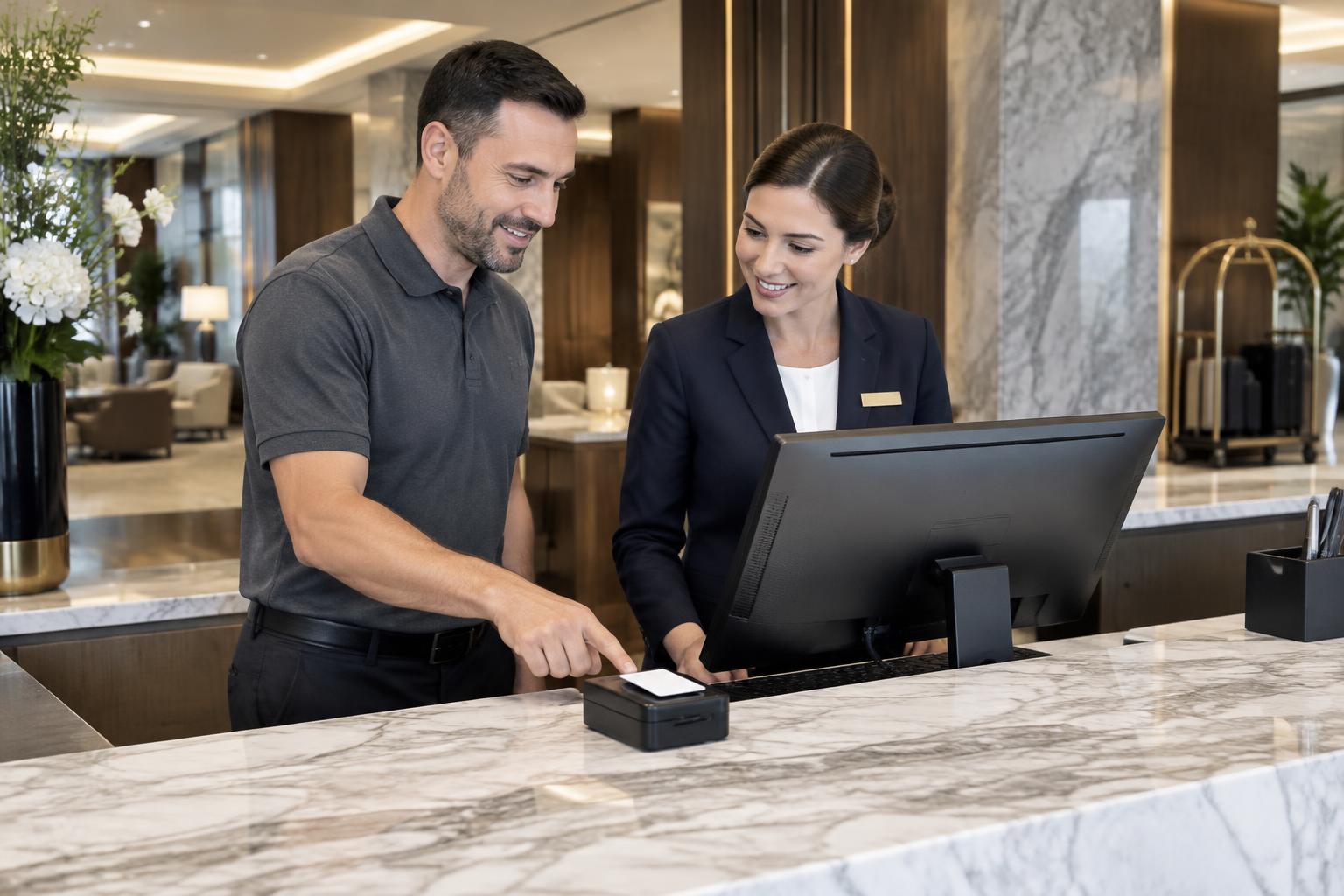
Behind every smooth arrival
Ready at the desk.
Ready at the door.
We configure the selected system around your team’s daily work: issuing credentials, managing room changes and assigning staff access. Then we walk through the agreed workflows together.
See how we get you readyProperty access flow
- Entrance
- Guest room
- Amenities
Separately: staff, housekeeping, maintenance and back-of-house areas with their own permissions.
Your proposal should identify the equipment, installation, software, configuration, and support included in your project.
Will it work with our existing hotel?
Keep what works. Upgrade what needs to change.
Some projects allow compatible components to remain. Others require new locks, encoders, software, or supporting infrastructure. We check the existing setup before recommending the scope.
Doors and hardware
Existing lock model, door preparation, thickness, condition, handles, finishes and door-assembly requirements.
Hotel software
Your property management system (PMS), its version and hosting, available connectors, required licenses and access software.
Infrastructure
Power, network coverage, gateways or controllers where needed, and required behavior during connectivity interruptions.
Operations
Check-in, room changes, checkout, lost credentials, housekeeping, maintenance, staff permissions and shared areas.
Send the current lock brand or a photo, your room count, and the hotel’s city to start the conversation.
Check My Existing LocksProven in real buildings
The systems we install are already at work.
We are the full-service distribution partner for INOX Smart. These are real properties running the same smart-lock platform we specify, install and support.
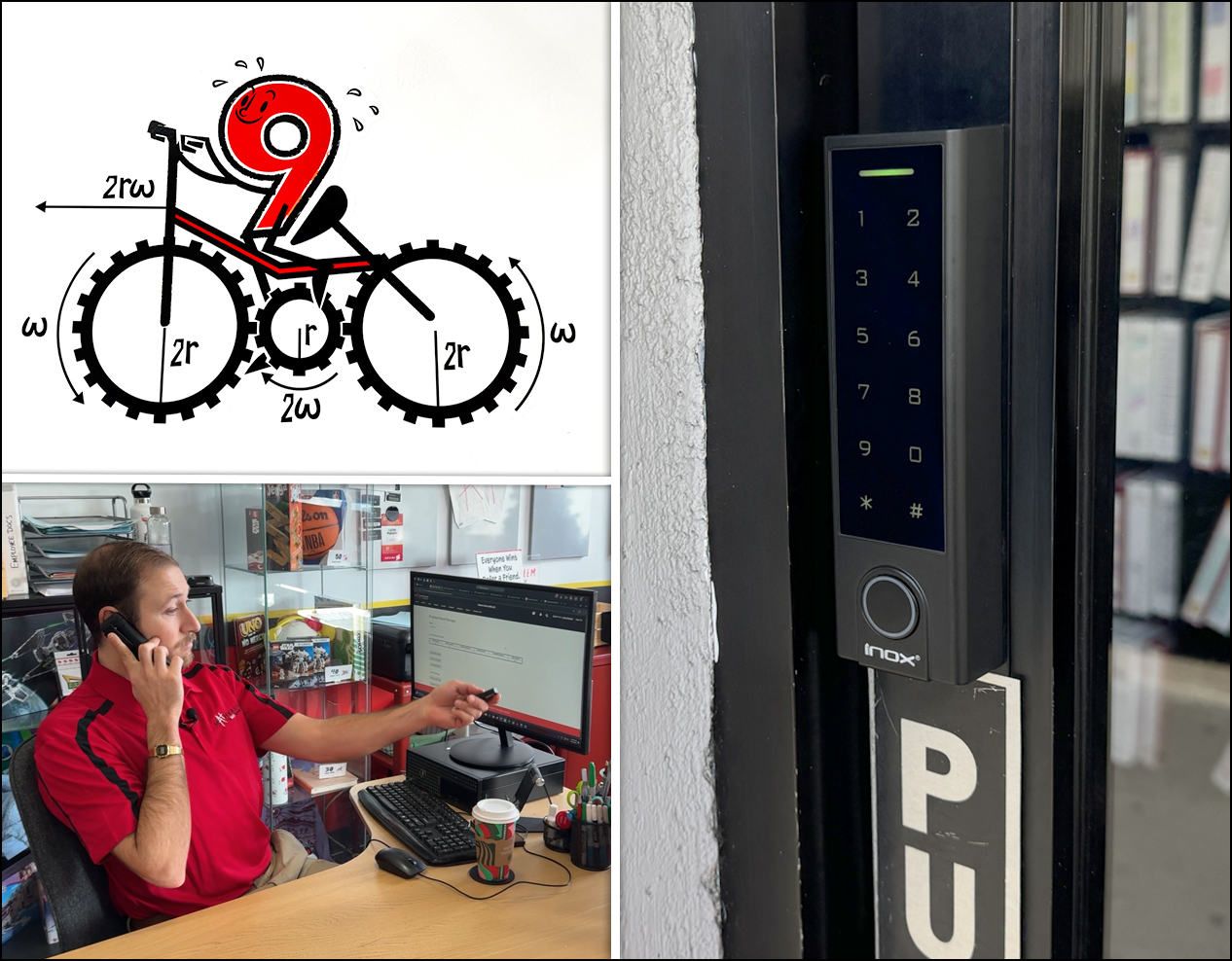
MathnasiumLos Angeles, CA 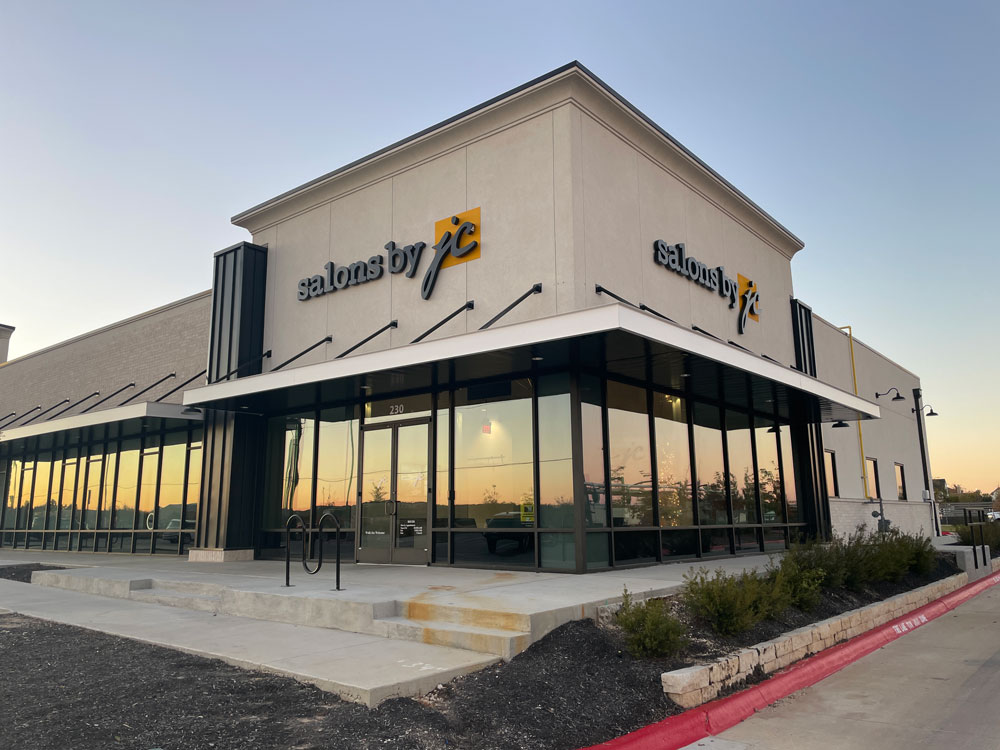
Salons by JCLeander, TX 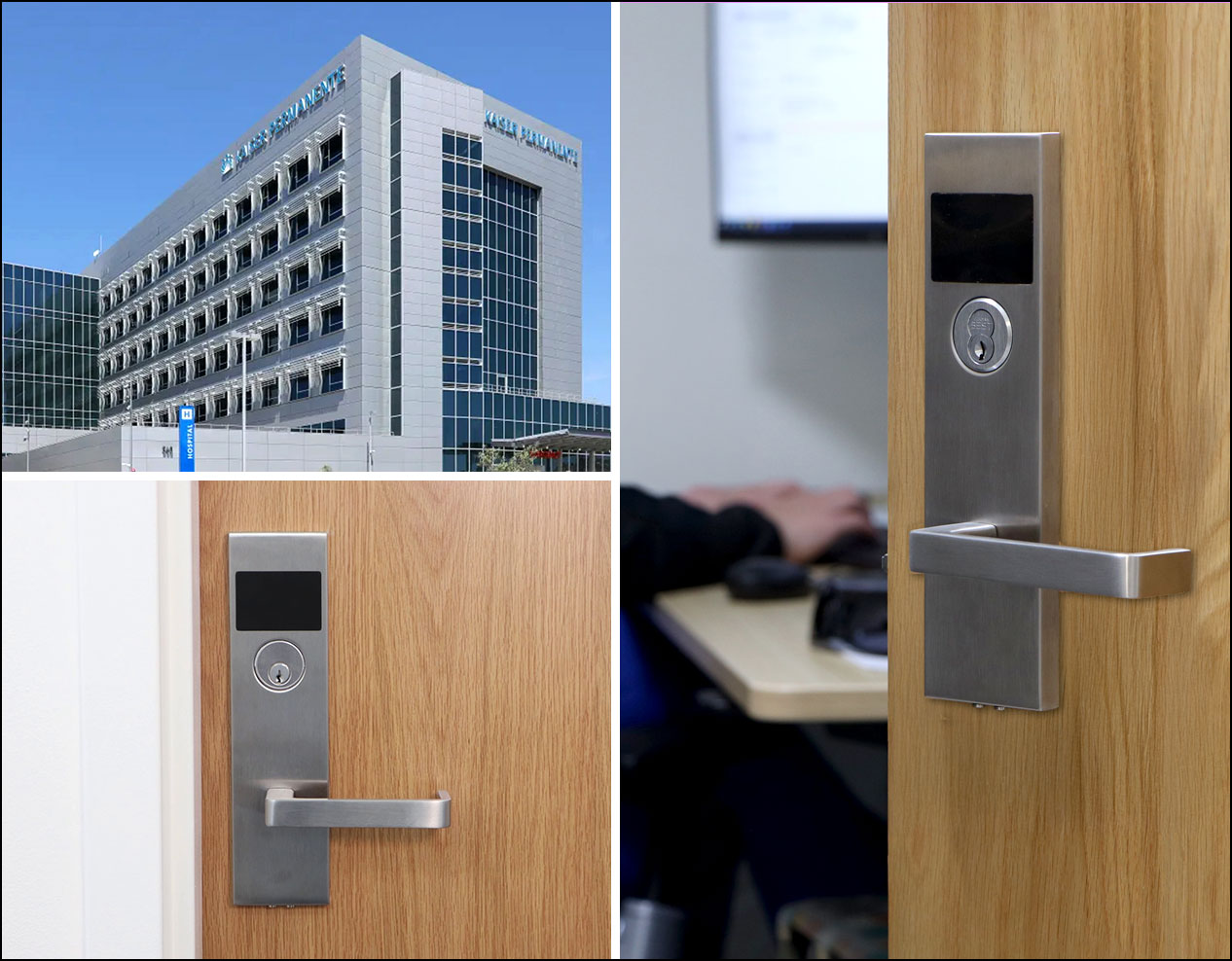
Kaiser Medical CenterSan Marcos, CA 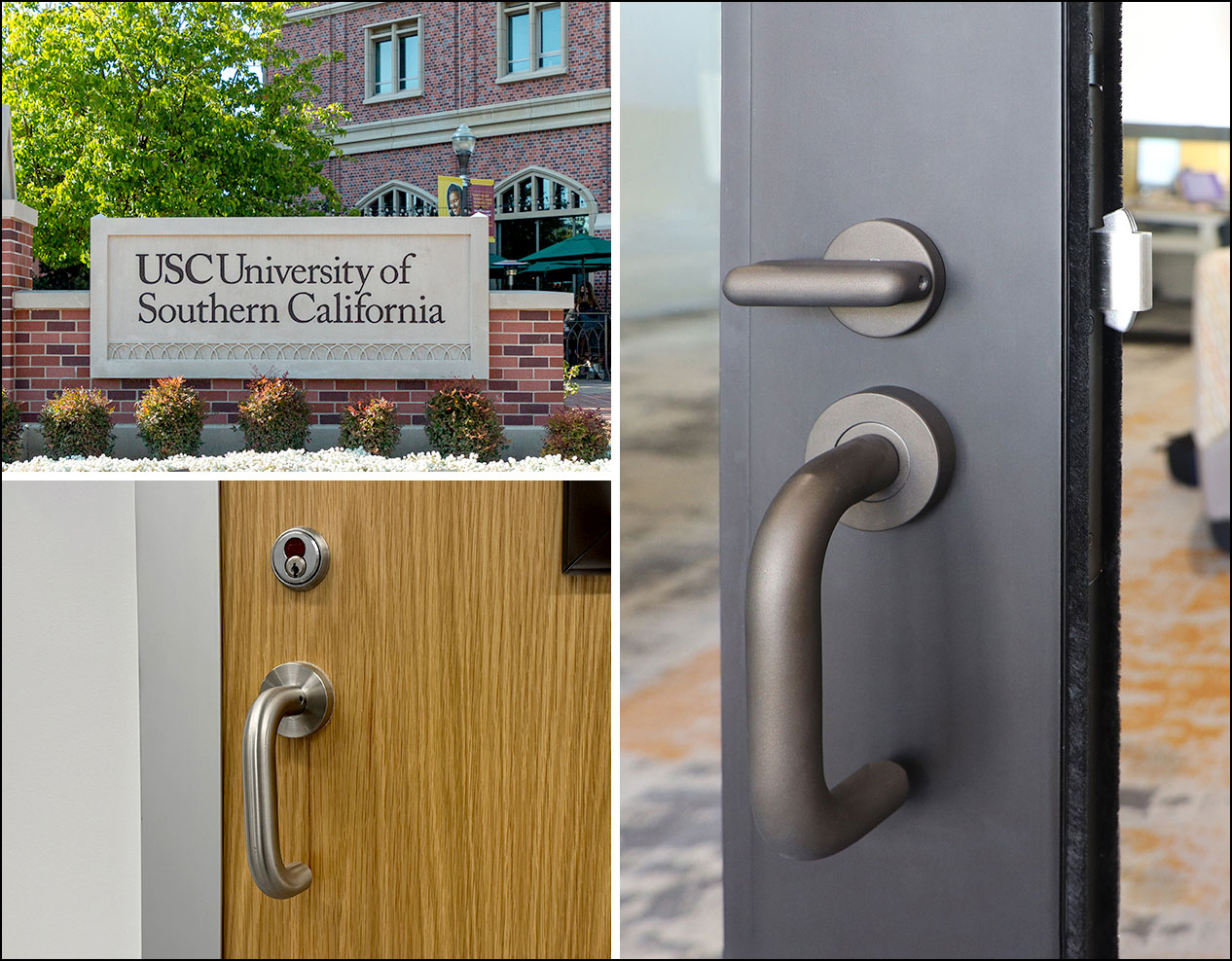
University of Southern California (USC)Los Angeles, CA 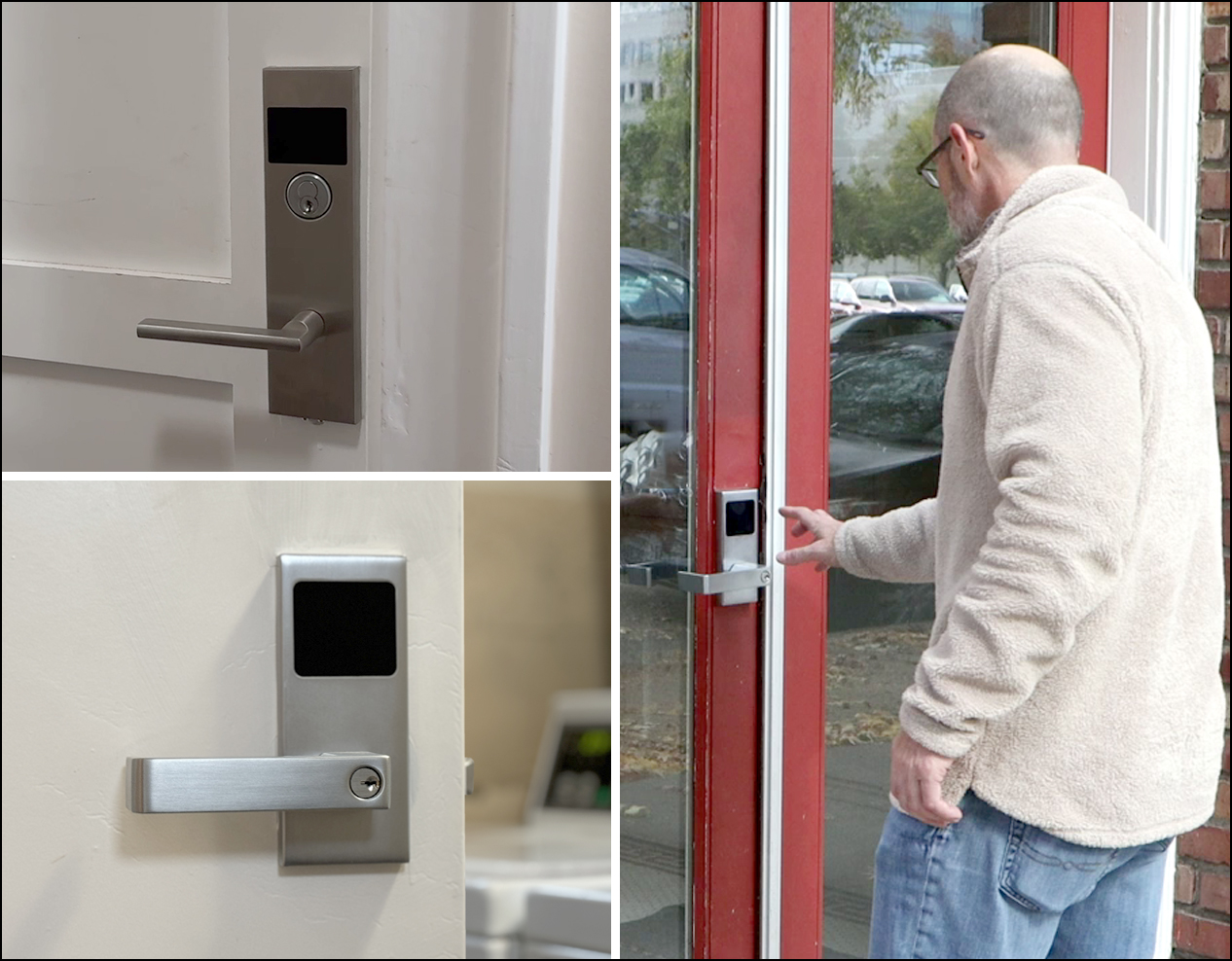
F St. CondosSacramento, CA 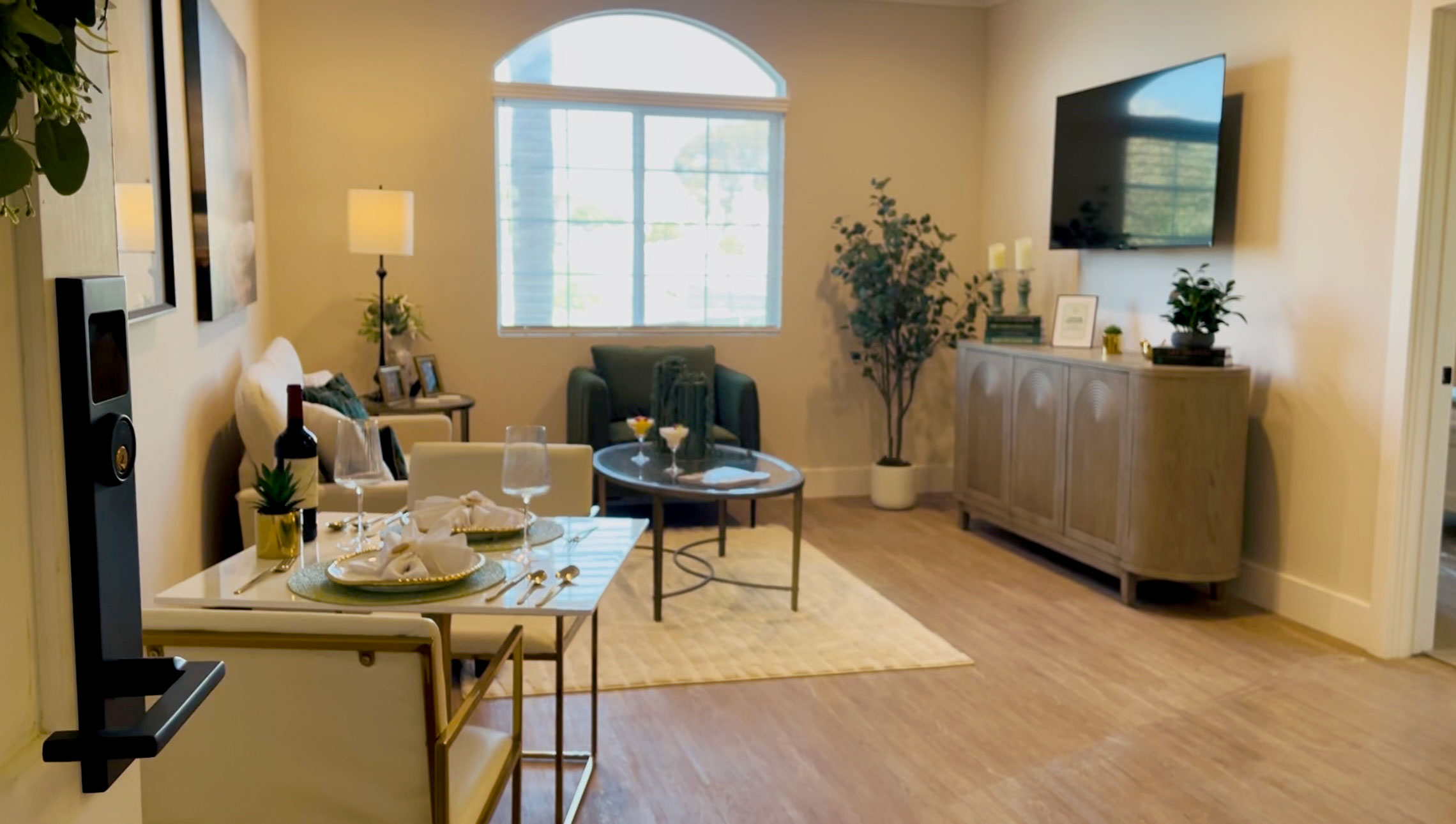
St. Clemente Senior LivingLos Angeles, CA 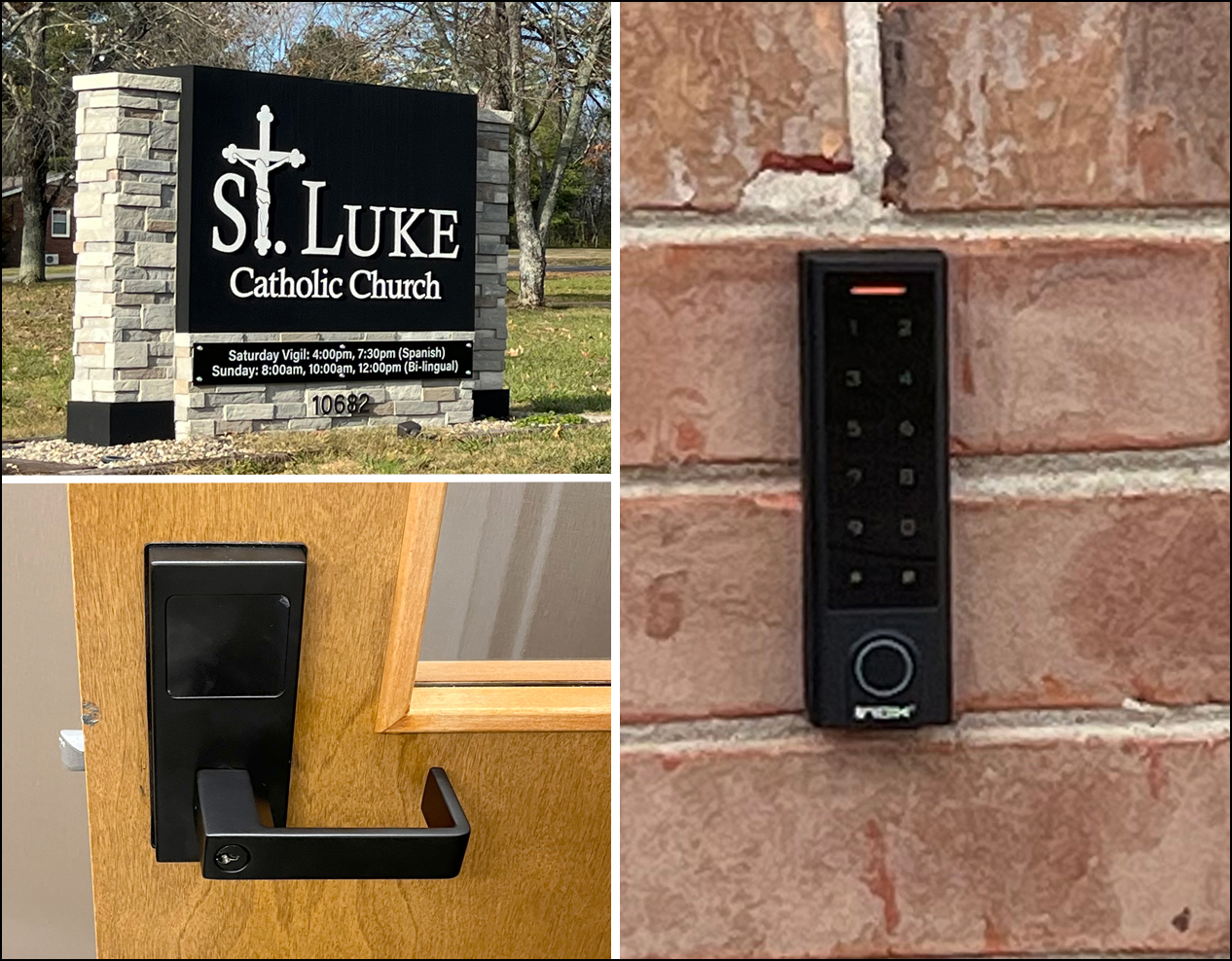
St. Luke Catholic ChurchSmyrna, TN 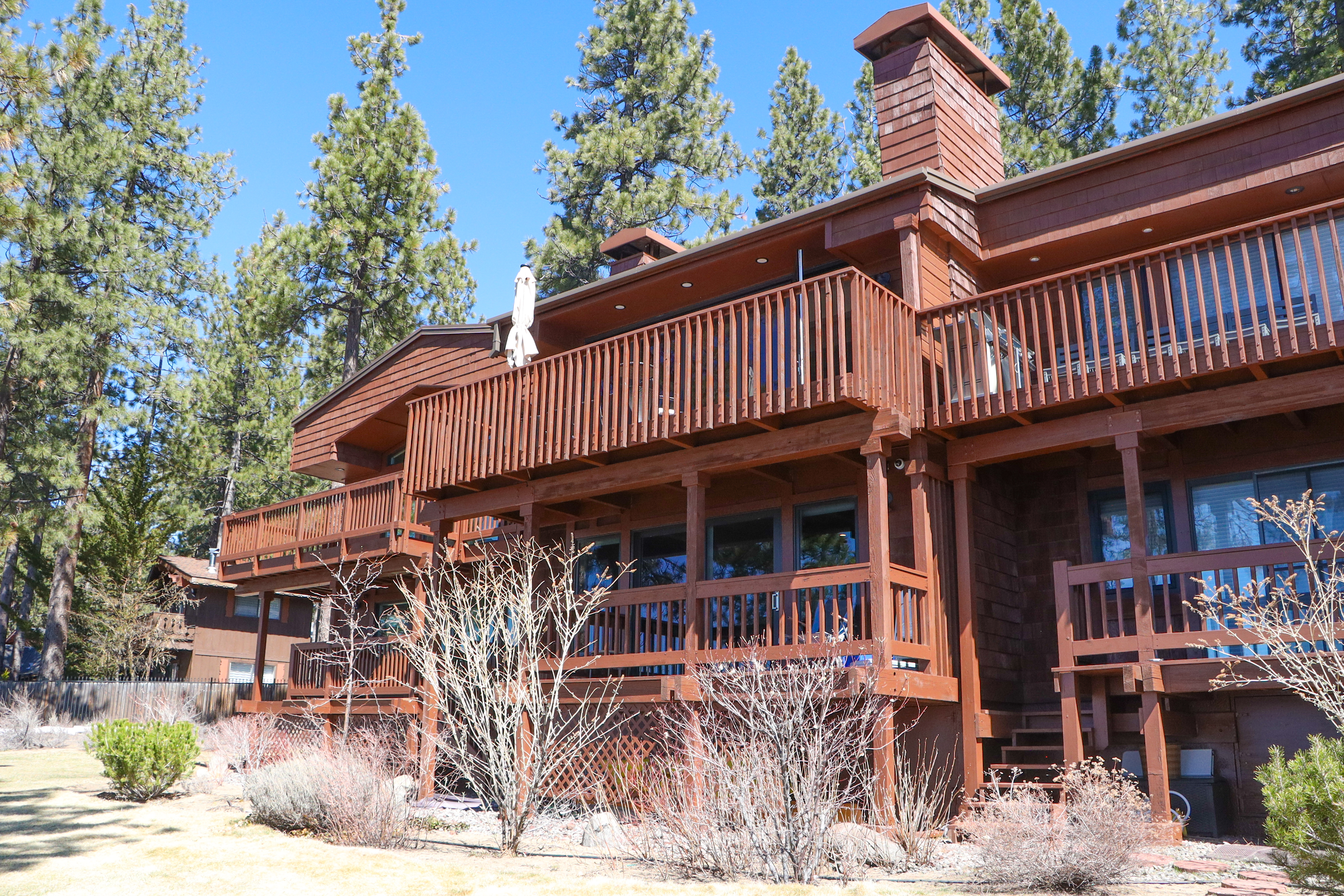
Vacation RentalLake Tahoe, NV
Installed projects published by INOX Smart · Manufacturer references, shown with permission
Want references for a property like yours? Ask us during the consultation.
Request a ConsultationInstallation without unpleasant surprises
One coordinated hotel-lock upgrade.
- 01
Property assessment
Review doors, current equipment, operations and desired access methods.
- 02
System recommendation and quote
Define compatible equipment, integrations, responsibilities, costs and exclusions.
- 03
Sample-door or pilot review
Where appropriate, validate fit and operating workflows before the full installation.
- 04
Planned installation
Coordinate work around room availability and the agreed project schedule.
- 05
Testing, training and handover
Test the specified workflows, train the relevant staff, and explain maintenance and support.
Installation sequencing and any temporary room or area unavailability will be addressed in the project plan.
What does a complete installed system cost?
Understand the full cost—not just the lock price.
One-time project costs
Locks, compatible readers and credentials, encoders, controllers or gateways where required, installation, door preparation, configuration, integration work, testing and training.
Recurring costs, where applicable
Software subscriptions, mobile credentials, support plans, licensing and maintenance.
Project variables
Guest-room count, additional access points, existing hardware, door condition, connectivity, integrations and installation logistics.
100 guest rooms doesn’t always mean 100 access points. Entrances, amenities, elevators and staff areas can add controlled openings. Your quote should separate equipment, installation, software, and ongoing fees so you can compare complete solutions.
Request PricingReliability, security and support
Plan for everyday use—and the unexpected.
Backup access
Your proposal should document what happens during internet loss, power interruptions, phone problems and depleted lock batteries — and how staff regain access.
Credential control
Guest and staff permissions, lost credentials and checkout handling follow the selected system. Offline locks may not receive changes instantly; we explain how each update reaches the door.
Maintenance and software
Batteries, hardware servicing, software updates, access administration and spare parts are handled according to the agreed scope.
Warranty and support
Hardware warranty, installation workmanship, software support, service hours and optional service agreements are listed separately in your proposal.
For fire-rated doors, accessibility, emergency egress and hotel-brand requirements, the appropriate hardware and installation must be verified for your actual project. Certification belongs to the documented product and door assembly.
Local teams, national reach
Check your service area.
Our installers cover 28 cities and counting. Tell us your hotel’s city or ZIP code and we’ll confirm availability for an on-site assessment and installation.
Smart Locks Technologies provides hotel lock-system consultation, equipment, professional installation, configuration, and support within its confirmed service areas.
Check My Service AreaConsultation & pricing
Tell us about your property.
Start with your location and room count. We’ll review your building, recommend a system, and come back with installed pricing — and an on-site consultation if you’d like one.
Prefer to talk? +1 (786) 472-6712
Hotel-buyer FAQs
Questions hotels ask us.
What is included in a complete hotel door-lock system?
Typically guest-room locks, credentials, card encoders, access-management software, and — where needed — gateways, shared-area readers and hotel-software connections. Installation, configuration, training and support complete it. Your proposal lists exactly which components your project includes.
Can guests use both phones and keycards?
On systems that support both, yes. Mobile keys usually require mobile-ready locks, an activated mobile-credential service and compatible guest devices. We confirm that the proposed hardware and software support both methods before recommending a combined setup.
Do mobile keys require an app?
It depends on the system. Some use the hotel's or the platform's app; some support digital-wallet credentials on specific devices. We tell you which guest workflow the proposed system actually supports, rather than promising app-free entry.
Can we keep our existing doors or some of our existing hardware?
Often the doors can stay; some components may too. Reuse depends on door preparation, condition, the lock model and software compatibility. We check the existing setup before defining the scope, and existing cards or fobs are not assumed to be reusable.
Can the system work with our hotel's property management software?
Many access systems connect to property management systems (PMS), but support depends on your PMS, version, hosting and licenses. We verify the available connector and explain what it does — for example, issuing keys at check-in.
Can the same credential open rooms, entrances, and amenities?
Yes, when entrance and amenity readers are part of the same compatible system. Elevators and other areas may require additional controllers or integration work. Each controlled access point is identified in the quote.
How are lost cards, room changes, and checkout handled?
Front-desk staff issue a new credential, and the system invalidates or overrides the previous one according to its design. How quickly that reaches each lock depends on whether the locks are online or offline — we document the procedure at handover.
Can housekeeping and maintenance have different access permissions?
Yes. Hotel access systems normally support role-based staff credentials limited by area and schedule. We configure the permission groups you approve during setup and show managers how to adjust them.
What continues working during an internet outage?
Many locks store credentials locally and keep opening for valid cards, while remote changes and live logs may pause. Behavior varies by system, so the proposal documents what continues, what pauses and the backup procedure.
What happens when a phone or lock battery runs out?
A guest with a dead phone can normally receive a keycard at the front desk. Locks report low battery in advance on most systems and offer an emergency or mechanical override. Battery replacement is part of the maintenance plan.
Can installation be phased while the hotel remains operating?
Usually, yes. Installation is sequenced by floor or wing around room availability. Any temporary room or area unavailability is planned with your team in the project schedule rather than left to chance.
What affects the installed cost and recurring fees?
Room count, additional access points, existing hardware, door condition, connectivity, integrations and logistics drive one-time cost. Software, mobile credentials, licensing and support plans may add recurring fees. Your quote separates each category.
What fire-door, accessibility, or brand requirements need review?
Fire-rated door assemblies, accessibility and emergency-egress requirements, and any hotel-brand standards must be verified for the specific hardware and installation. We review them against the documented products for your project, not as a blanket guarantee.
What training, warranty, and support are available?
Staff training is part of handover. Hardware warranty, installation workmanship, software support and service agreements are stated separately in your proposal, with the actual terms for the products selected.
Can the system support multiple properties or future expansion?
Many platforms manage several properties and allow additional doors or areas later. We confirm licensing and expansion options for the proposed system so future growth does not require starting over.
Who controls the administrator account and access data?
Your hotel should hold the primary administrator account. We set up administrator access and documentation at handover. Data hosting and retention follow the selected platform's terms, which we share with you.
Do you provide installation in our city?
Tell us your hotel's city or ZIP code and we will confirm assessment and installation availability for your property before any commitment.
What information is needed to start a quote?
Your hotel's city, approximate guest-room count and contact details are enough to start. The current lock brand or a photo, your PMS and any shared areas help us prepare a more accurate scope.